


Quick overview:
When Outlook gives up the ghost - this tool saves your emails
What is it all about?
Outlook is the daily companion for many people at work. As long as everything is running smoothly, you don't notice the so-called OST files in the background - they ensure offline access and synchronization. But woe betide you if Exchange access is interrupted, the profile is lost or Outlook goes haywire. Then you're left with a pile of data that you can no longer open.
This is exactly where the Stellar Converter for OST comes in. The tool promises to convert such broken or no longer synchronizable OST files into the universal PST format - including emails, attachments, contacts, calendars, etc.
We tried out the Corporate Edition of the tool on a Windows 11 system with an OST file of almost 3 GB - here is our experience report.
Installation & interface
The installation is done quickly: download, start setup, wait a few seconds - done. No restart, no annoying additional tools. After starting, the interface looks pleasantly tidy. Anyone who has ever worked with Outlook will find their way around immediately.
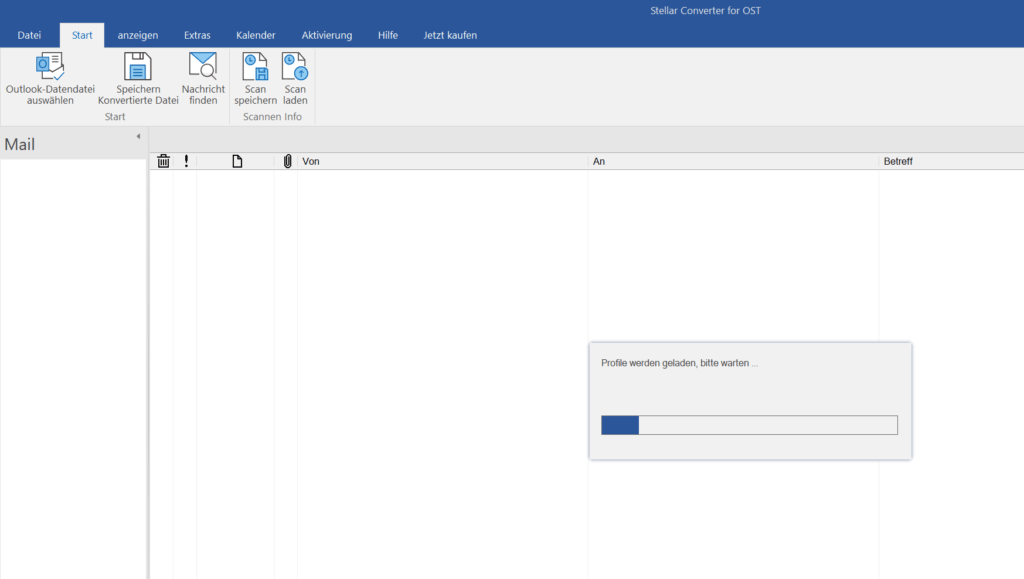
The tool automatically searches for existing OST profiles at startup. Alternatively, files can be loaded manually.
The conversion process - here's how it works
After loading the file, the scanning process starts. With our 2.95 GB file, this took just 3.5 minutes - decent. The tool also remained stable during the conversion, no freezing, no hangs.
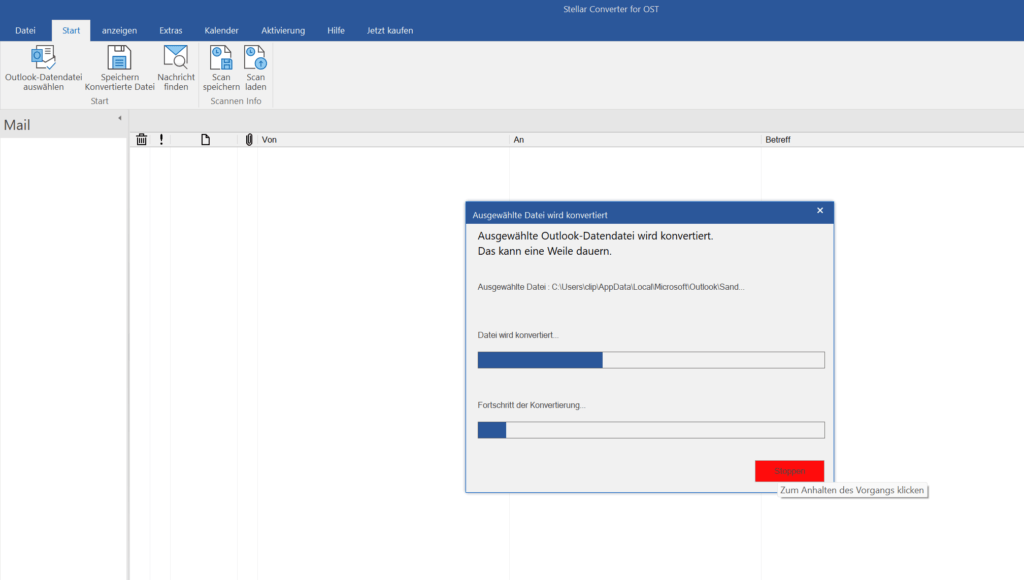
The progress bar looks a little old-fashioned - but the scan is fast and reliable.
After the scan, you can browse directly through the entire structure - including folders, calendars, notes and attachments.
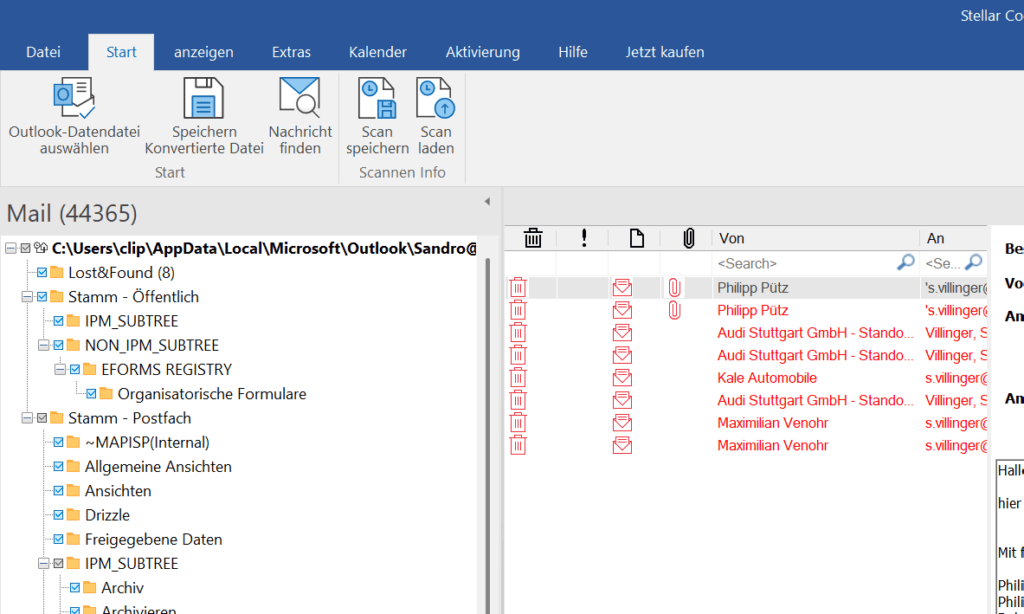
The preview function is worth its weight in gold - you can search specifically for lost data or export only certain folders.
The file can then be exported in various formats: PST, MSG, EML, RTF, HTML or PDF. If you want to continue using Outlook, stick with the classic PST format.
Practical: The export formats cover many scenarios - including for archiving or legal purposes.
Operation & features
The user guidance is self-explanatory: select OST file, scan, search data, export. No technical jargon, no pitfalls. If you want, you can also export only certain folders, date ranges or senders. Deleted emails can also be displayed and restored.
Plus point: The tool also supports large files (3+ GB) without batting an eyelid. When exporting, there is the option to automatically split huge PST files - important for Outlook, which often struggles with PSTs that are too large.
Performance & stability
On our test system (16 GB RAM, SSD, Outlook 64 bit), the Stellar Converter ran smoothly throughout. The conversion itself took less than 4 minutes, the export of the 3.81 GB PST file then took another 4.5 minutes - a total of less than 9 minutes for a complete rescue operation.
Overall, the process ran error-free, the tool responded quickly and generated a clean file without any data loss.
Accuracy & data integrity
The most important question: How much of the OST file really arrives? The answer: Almost everything. All folders were transferred correctly, the email structure remained intact, attachments, contacts, calendar - everything was there. There was a display error with one PDF attachment, otherwise the conversion was error-free.
A real plus point for business users and admins: the folder structure remains completely intact even with more complex Exchange structures.
Compatibility
The converter ran on Windows 11, but also recognizes older Outlook installations without any problems. The manufacturer lists support up to Outlook 2007. Office 365 profiles and IMAP accounts are also recognized - the tool is therefore not only interesting for classic Exchange users.
Functions & differences between editions
In addition to pure conversion, Stellar scores with a few nice extras:
- Restore deleted elements
- Filter functions for targeted export
- Multiple storage formats
- Save scan & continue working later
- Split function for large PST files
If you want even more, you need the Technician or Toolkit edition. These offer, for example, direct export to Office 365 or batch conversion. For the classic individual user, however, the corporate version is completely sufficient.
Security & trust
The tool ran smoothly for us - no unwanted processes, no dubious network traffic, no system interventions. The manufacturer's data protection guidelines are comprehensible, there is no cloud connection - the entire tool runs locally.
Stellar itself is an old hand in the data recovery sector and enjoys a good reputation. This is also evident from the tidy software and regular updates.
Price-performance
The corporate version currently costs around 79 euros - not a bargain, but fairly priced considering the functions, speed and reliability. A free trial version at least allows you to preview, but the export only works after purchase.
If you regularly struggle with Outlook backups, broken profiles or Exchange problems, you will appreciate the tool. For one-time users, a lifetime model without a subscription would be desirable.
Conclusion
Simple, fast, reliable - that's what a recovery tool for Outlook data should be like.
The Stellar Converter for OST convinced us in the test: fast conversion, well thought-out interface, error-free data transfer. The preview function before exporting is particularly practical - it allows you to save specific emails or folders.
Criticism? Minor things. The UI could be more modern, and a lifetime model for private users is missing. But the bottom line is that Stellar delivers a tool that does exactly what it's supposed to do - and does it pretty well.

On Windows Tweaks you will find time-saving tech guides for PC, software & Microsoft. For a stress-free digital everyday life. Already We have been tweaking Windows since 1998 and just don't stop!
