


Quick overview:
Are you looking for friends and want to chat with them online? Do you need a proper mail program because the website you use to check your electronic mailbox regularly breaks down? Two wishes at once? Windows Tweaks fulfills them - without compromise. In this article you will find the 2 best Internet applications and setup explanations as well as hot tips & tricks.
Trillian Multimessenger - Breaking through the chat barriers
Sharing news, making appointments, discussing important business information or simply flirting. All this is possible with a so-called messenger. Such a program opens immediately after starting as a small list in a smart frame and you only have to select the person you want to write a message to. If the person is online, you will receive their message at the same time and can reply directly. In the case of Trillian, a conversation looks like this:
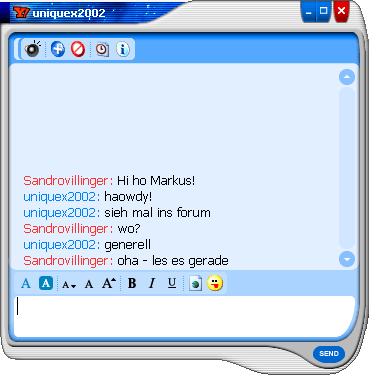
You can have unlimited online friends all over the world. Whether America, Russia or Japan! Click on the headline above or here for detailed instructions on how to set up Trillian.
Outlook Express - Professional, fast and convenient e-mail
The Microsoft Outlook Express e-mail program integrated in Windows 98 offers you many options for electronic mail. You can conveniently manage your addresses, call up several accounts at the same time, save, receive and write e-mails and add attachments to them. All this is just part of the What Outlook can do list.
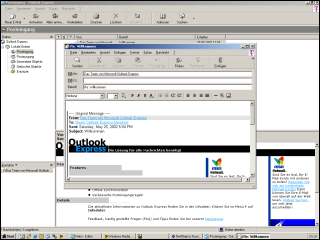
But without an e-mail address, nothing works with Outlook Express and so you are forced to get one. This usually happens with free portals such as www.freenet.de or www.web.de ! T-Online customers also have their own e-mail address, which can be easily configured. Click here for a detailed guide to Outlook Express using GMX as an example!
NOTE FOR NEW PUBLICATION: This article was produced by Sandro Villinger and comes from the Windows Tweaks archive, which has been built up since the late 1990s.

On Windows Tweaks you will find time-saving tech guides for PC, software & Microsoft. For a stress-free digital everyday life. Already We have been tweaking Windows since 1998 and just don't stop!
